Your identity is yours to control
Explore the market without announcing it. On Wigiwork you're anonymous by default. Employers see your skills, experience, and salary expectations — not your name, face, or phone number. Those details are designed to stay hidden until you approve access.
Here's how to run it your way.Pick your level of invisibility
Visibility modes
Fully Anonymous
Your name stays hidden.
Semi-Anonymous
Your work shows, your name doesn't.
Open Profile
Choose more to show, not your name.
Stay in the market. Stay private.
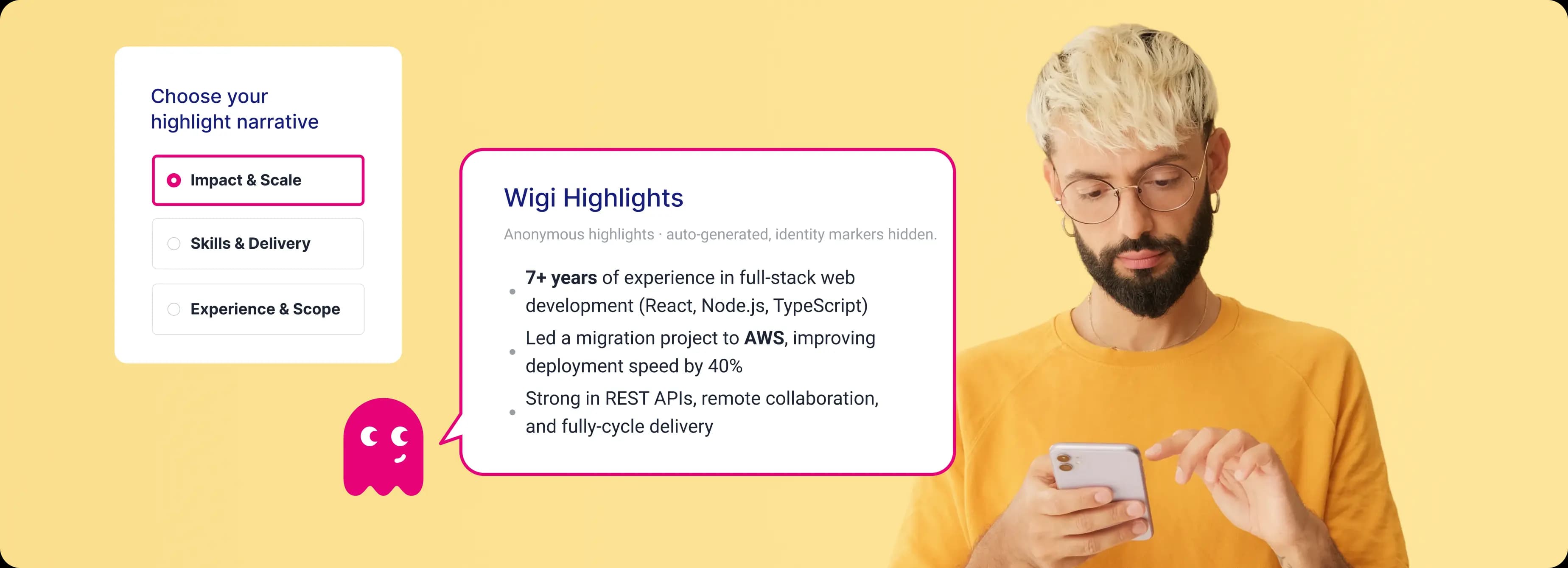
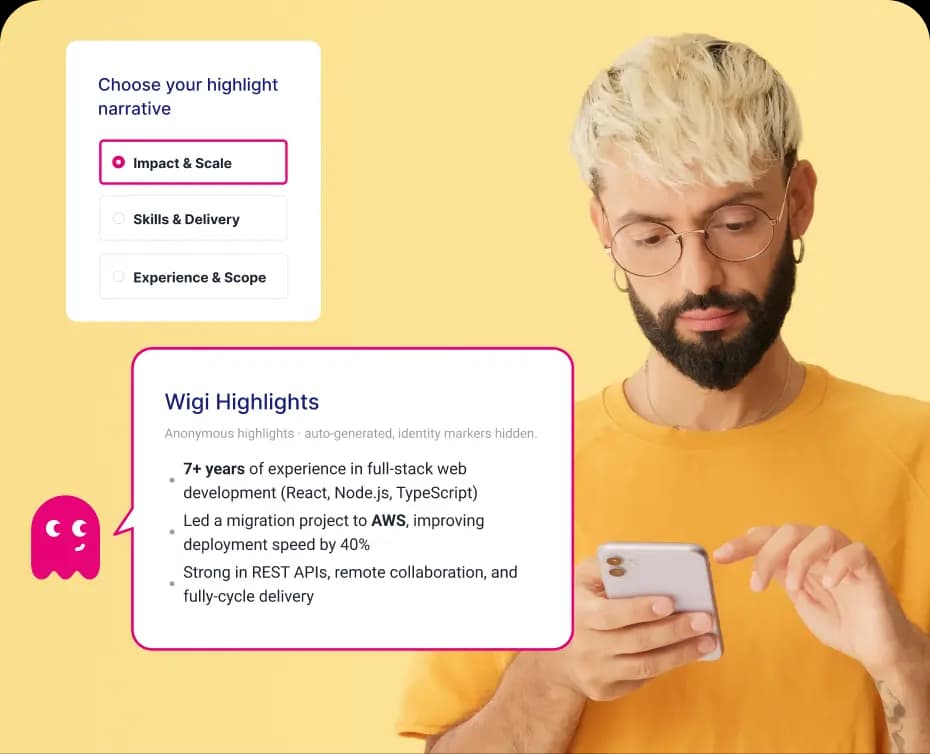
Wigi Highlights
An AI summary of your strongest skills and wins — no name, no photo, no employer names. Pick your style. If anything feels too identifying, flag it in one tap.
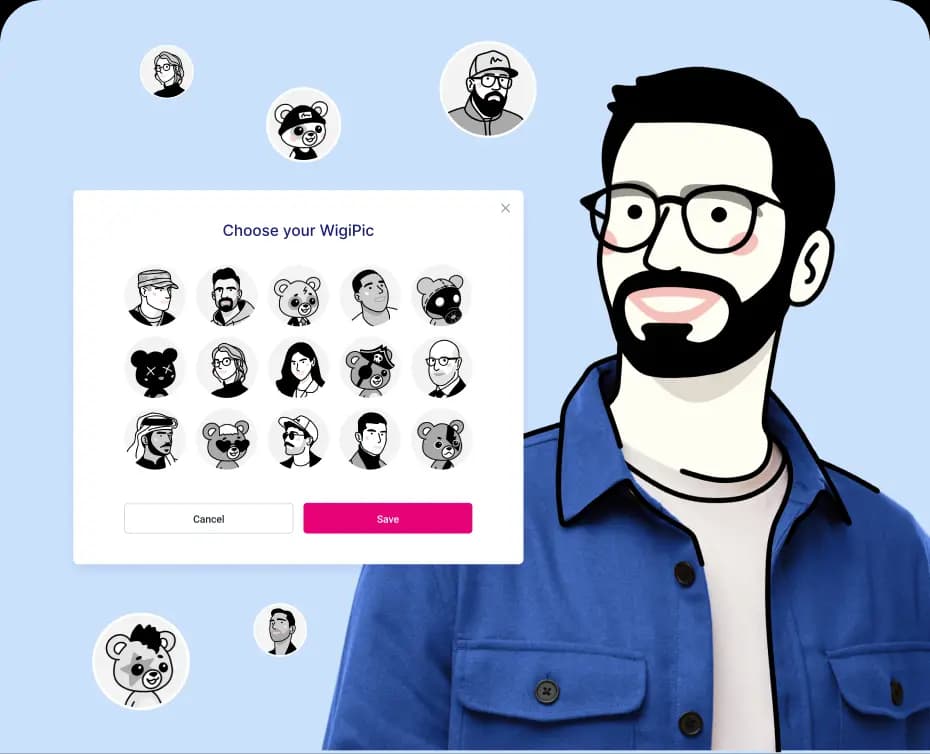
Your WigiPic
A stylized avatar that replaces your real photo. Stay recognizable if you want — or pick a fully anonymous look from the archive. You're always in control.
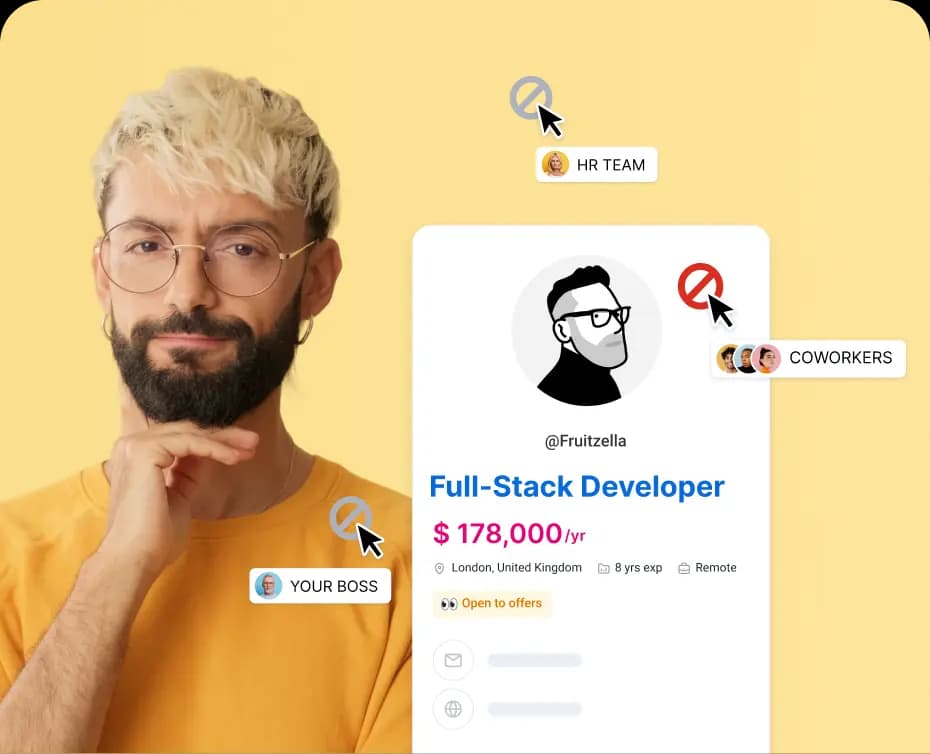
Block who you want
Hide your profile from specific companies with one click. Employer-conflict protection is on by default — built to keep your current workplace out of the loop.
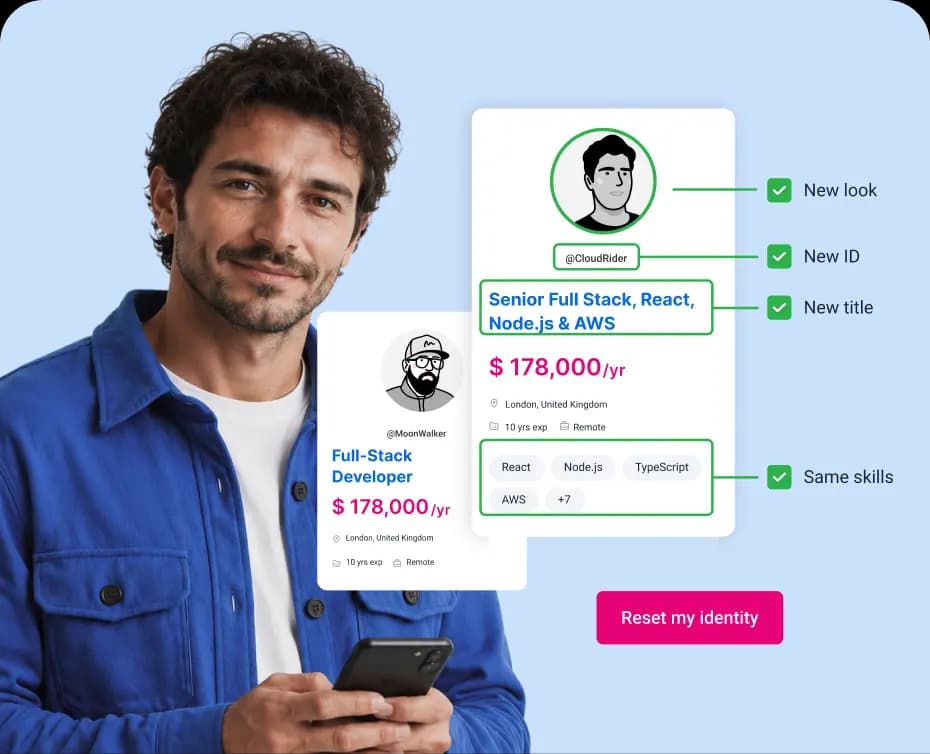
Identity Reset
New username, new WigiPic, new profile ID — one click. Previous access revoked, Profile Strength untouched. A clean slate without rebuilding a thing.
How to stay extra safe
And our systems watch your back, flagging usernames, titles, and links that could give you away.
Keep title generic
Titles show on your profile. Generic sells you — company-specific sells you out.
Add nothing rare
One rare detail says little. Three stack into a fingerprint. True — not laser-specific.
Get The Best Results
Broad details are harder to trace and fit more roles. Let your skills do the selling.
If something feels off
Straight talk
Frequently
Asked
Questions
Fully Anonymous shows your core professional story — title, skills, experience, location, and salary target — with no name, no photo, and no employer names. Semi-Anonymous adds your work-experience descriptions so companies see the depth of what you've done. Open Profile opens the profile sections you choose to logged-in, verified hiring accounts.
In every mode, your name, real photo, and contact details are designed to stay hidden until you grant Profile Access — and the public internet only ever sees the Fully Anonymous version. Switch modes anytime from your dashboard.
We strip direct identity from your profile, our systems flag details that look like they'd give you away, and employers are strictly prohibited from trying to identify anonymous candidates outside approved workflows. But honesty matters here: a truly distinctive combination — a rare title, an exact tenure, a one-of-a-kind project — can narrow things down if someone is determined.
The fix is simple: keep your visible details true but general. And if you ever suspect someone tried to identify you, report it at privacy@wigiwork.com or via Report a Concern — we investigate and enforce.
Report it in one tap from Anonymous View. Highlights are built from your full profile to make your strongest case, and they're designed to leave out your name, contacts, photo, and employer names — when something slips through, we act on it.
Your Highlight also regenerates automatically after you update your profile, so keeping your details accurate keeps your Highlight sharp and safe at the same time.
Your real photo is never displayed — every WigiPic is a stylized illustration. But one generated from your own photo can resemble you, which makes it a little easier for someone who knows you to connect the dots. It's a style choice, and it's yours to make.
For maximum anonymity, pick a WigiPic from the archive that doesn't look like you. Either way, it pairs with the rest of your anonymity controls — it never replaces them.
One tap gives you a new username, a new WigiPic, and a new anonymous profile ID, regenerates your Wigi Highlight, and revokes any active Profile Access and share links. Your professional profile and Profile Strength stay fully intact — a clean identity, zero rebuild.
Identity Reset is permanent, and it can't erase what previous viewers may have saved or remembered — which is exactly why it pairs well with switching to a more private mode at the same time.